
参考
https://cn.vuejs.org/v2/guide/events.html#事件修饰符
一般的按键事件是加载input上的
<input type="text" @keydown="keyUp($event)">
但是目前需要在div上监听,搞了好久没能实现
下面这种无法生效,加上各种事件修饰符也不会生效
<div class="main" @keyUp="keyUp" >
目前只能在body上添加监听器
document.body.onkeydown = this.keyDown
使用ref设置的键盘监听无法生效,但是点击事件可以监听到。。。
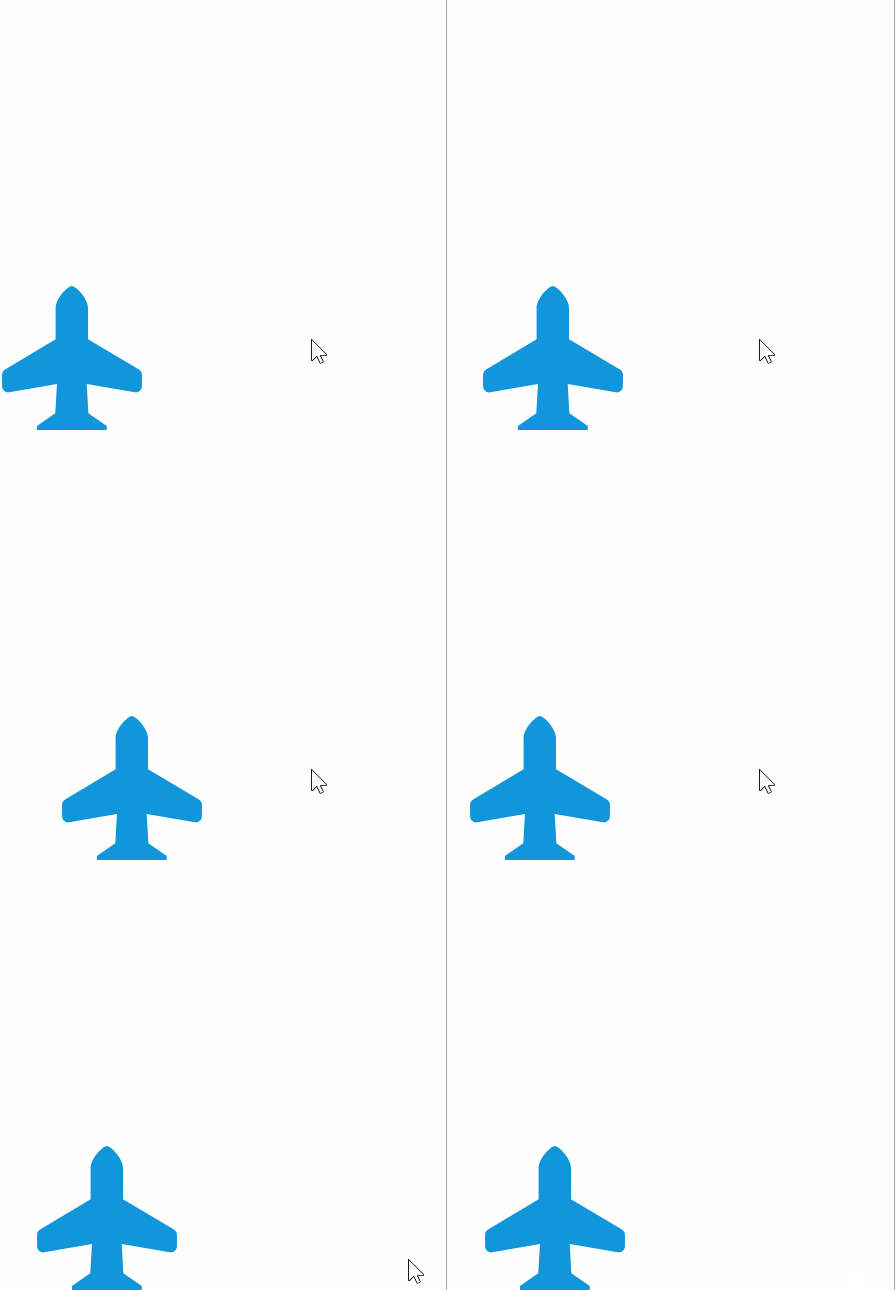
效果使用键盘控制飞机移动
<template>
  <div class="main" ref="main">
    <img src="../assets/plane.svg" ref="plane" class="plane">
  </div>
</template>

<script>

  import Ball from '../util/Ball'
  import Bullet from '../util/Bullet'
  import Plane from '../util/Plane'


  export default {
    name: "game-card",
    data() {
      return {
        balls: [],
        bullets: [],
        plane: new Plane(),
      }
    },
    computed: {},
    methods: {
      keyUp(e) {
        console.log(e)
      },
      keyDown(e) {
        console.log(e.code)
        if (e.code == 'ArrowUp') {

        } else if (e.code == 'ArrowRight') {
          this.move(1)
        } else if (e.code == 'ArrowDown') {

        } else if (e.code == 'ArrowLeft') {
          this.move(3)
        }


      },
      move(direction) {
        if (direction == 1) {
          console.log('move right', this.$refs.plane.style.left)
          this.$refs.plane.style.left = (++this.plane.x) + 'px'
          console.log(this.$refs.plane.style.left);
        } else if (direction == 3) {
          console.log('move left')
          this.$refs.plane.style.left = (--this.plane.x) + 'px'
        }
      },

    },
    mounted() {
      document.body.onkeydown = this.keyDown
    }
  }
</script>

<style scoped>
  .main {
    width: 100vw;
    height: 100vh;
    position: relative;

  }

  .plane {
    position: absolute;
    left: 0;
    bottom: 0;
  }
</style>
来源:oschina
链接:https://my.oschina.net/u/2856757/blog/1794796