
项目启动遇到异常如下
***************************
APPLICATION FAILED TO START
***************************

Description:

The Tomcat connector configured to listen on port 8082 failed to start. The port may already be in use or the connector may be misconfigured.

Action:

Verify the connector's configuration, identify and stop any process that's listening on port 8082, or configure this application to listen on another port.
端口占用,打开 cmd 输入命令输入
netstat -aon|findstr "8082"
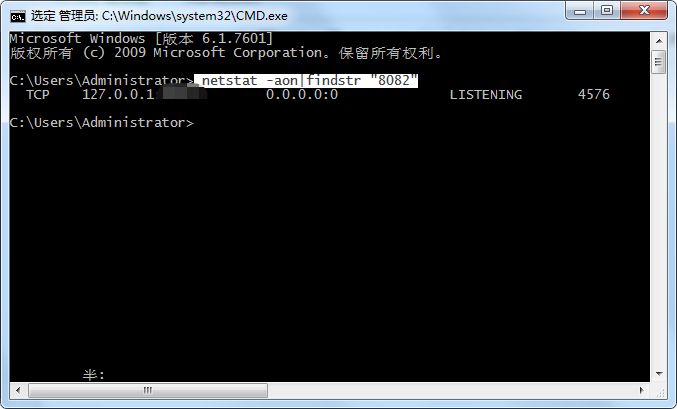
打开任务管理器找到 pid 为 4576 进程,结束该进程即可。
来源:oschina
链接:https://my.oschina.net/hp2017/blog/4298327