
问题
I am using Android Studio when ever i try to update it shows me the below
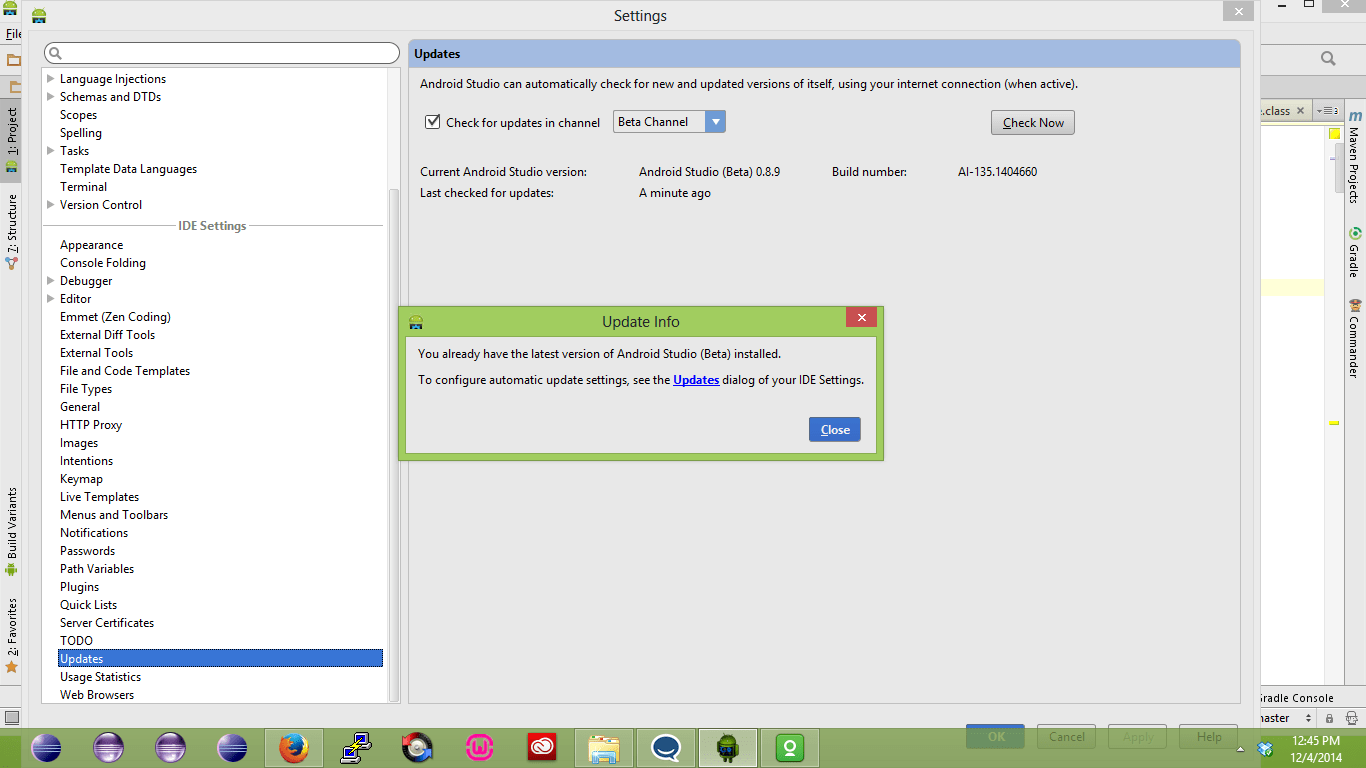
How can i update it and also tried by using the option Help->checkForUdates but it shows the same.
回答1:
- In Android Studio go to "File > Settings > Updates"
- change the "Stable channel" option to "canary channel".
- After that go to "Help > Check for update ...".
- You should get a pop-up with the option to "update and restart"
Here is the Official documentation
Regards Jose
回答2:
According to the release notes:
Note: There are no incremental patches to update to 0.8.12; you will need to download it separately
Which means that if you want to update from a version <0.8.12 to the latest beta, which is 0.8.14, then you will need to redownload Android Studio.
来源:https://stackoverflow.com/questions/27288367/how-to-update-android-studio-beta-channel