
In Xcode 3, I could elect to make a nib when creating a table view cell subclass. In Xcode 4, it only makes the h / m files.
How do I make the subclass with a xib file?
Edit: see screen shots below:

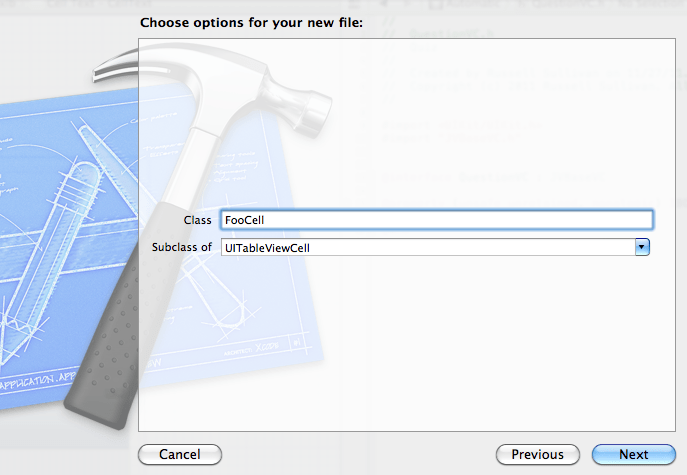
EDIT: Additionally, is there any way to create the UITableViewCell nib automatically, along with the h and m files, all pre-wired and ready to edit?
VikingoS says Reinstate Monica
Rahul Choudhary
As I understood you already have .h/.m files and you are missing the view (nib).
- Please select new file, select "User Interface" category and empty in sub category.
- Once your nib is created, drag and drop the UITableViewCell on the screen.
- Set the class as First Responder.
来源:https://stackoverflow.com/questions/8291518/how-do-i-create-a-custom-uitableviewcell-with-nib-in-xcode-4