
与服务相关的脚本
1.判断apache服务是否正常,如果不正常则重启,并且输出信息到屏幕,把服务信息写入到一个新的文件中,可以把这个脚本加入到循环定时任务里面去
# 判断apache服务是否开启,如果没有开启则将其自动开启
test=$(ps aux | grep httpd | grep -v httpd)
if [[ -n $test ]]
        then
                echo "$(date)  apache is OK" >> /log/apache
        else
                echo "$(date) apache is failed"
                /usr/bin/systemctl restart httpd &> /dev/null
                if [[ $?==0 ]];
                        then
                                echo "restart success" >> /log/apache
                        else
                                echo "reestart fail" >> /log/apache
                fi
fi
如图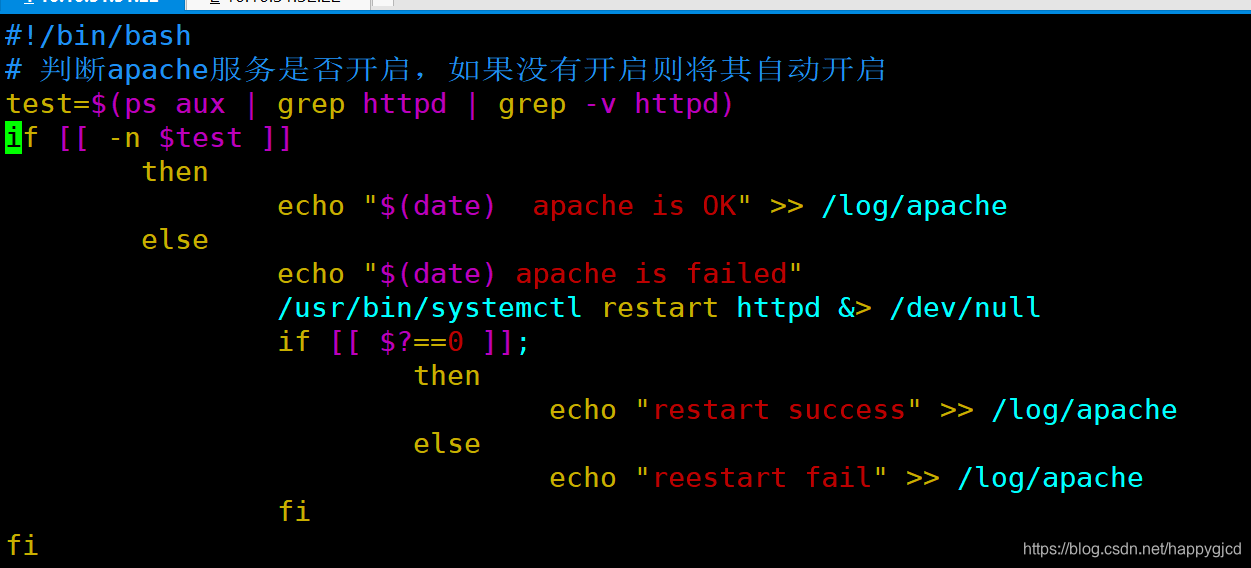
与文件相关的脚本
批量解压缩某个目录下的压缩文件
#!/bin/bash
read -p 'enter a dir' dir
touch /root/text
cd $dir
ls *.tar.gz >> /root/text
ls *.tgz >> /root/text

for i in $(cat /root/text)
        do
                tar -zxf $i &> /dev/null
        done
rm -rf /root/text
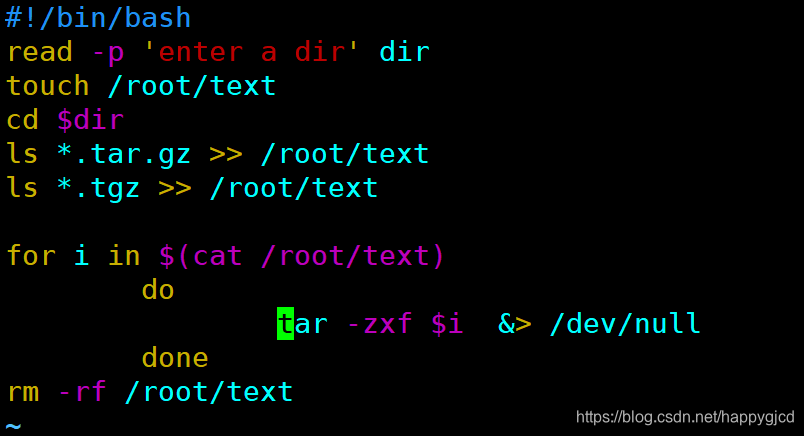
与用户管理相关的脚本
批量添加用户
#!/bin/bash
# 批量添加用户
read -p "name:" name
read -p "num:" num
read -p "password:" passwd
if [ ! -z $name -a ! -z $num -a ! -z $passwd ];then
        y=$(echo $num | sed 's/[0-9]//g')
        if [[ -z $y ]]
                then
                        for (( i=0;i<$num;i=i+1 ))
                                do
                                        /usr/sbin/useradd "$name$i" &> /dev/null
                                        echo $passwd | /usr/bin/passwd --stdin "$name$i" &> /dev/null
                                done
        fi
fi
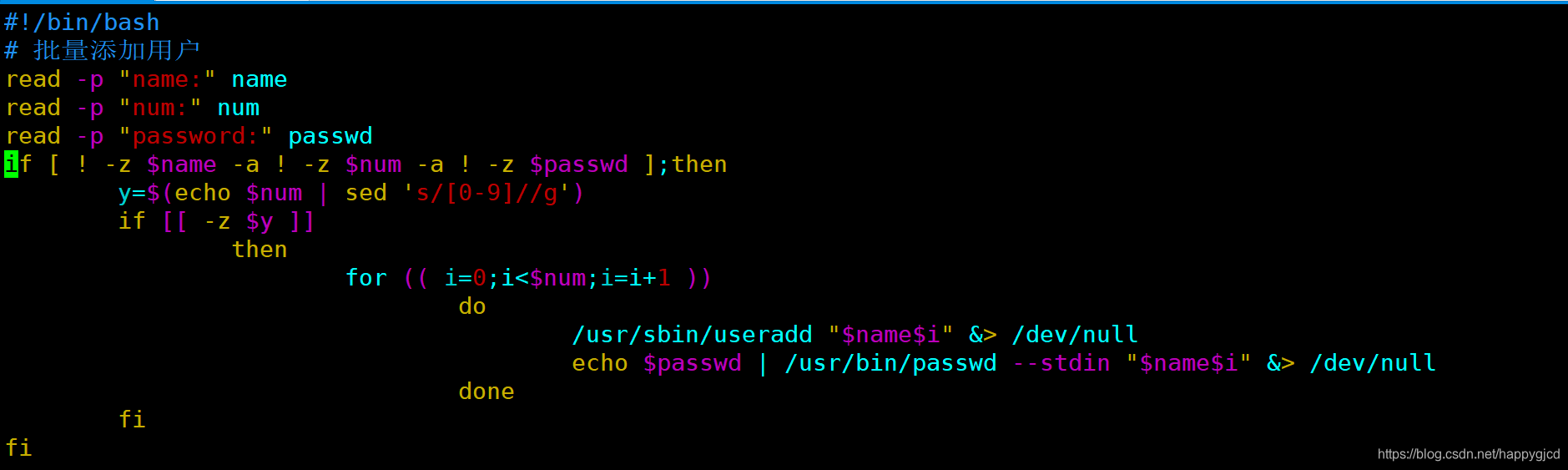
删除所有普通用户
#!/bin/bash
#删除所有普通用户
for i in $(cat /etc/passwd | grep "/bin/bash" | grep -v "/root" | cut -d ":" -f 1)
        do
                userdel -r $i
        done

来源:https://blog.csdn.net/happygjcd/article/details/102753710